Start with a folder task, add one connected-app task, then link reusable skills into a workflow. This walkthrough shows those three levels using my recorded setup. You can stop at the first one that solves a real problem.
Cowork isn't another chat window. It's Claude with access to your actual computer, your folders, your apps, and your browser — designed to run real workflows in the background while you focus on the strategy. If you're still manually doing tasks that follow the same pattern every time (formatting content, updating databases, pulling reports), you're trading hours that should be doing something else.
Here are the three levels of practical use with Claude Cowork. Start at level one. By level three you've got a system that turns one YouTube transcript into carousels scheduled across TikTok, LinkedIn and Instagram — while you're not even at your computer.
What Claude Cowork actually is
Claude has three modes you can work in:
- Claude chat — the regular chat window
- Claude Cowork — the focus of this post
- Claude Code — for actually building software
Cowork sits in the middle. It can access folders and files on your computer, control your browser, connect your apps via connectors, and run tasks in the background while you do other things. It's the bridge between "clever chatbot" and "actual assistant that does the work."
Requirements reviewed 15/09/2026: check Anthropic’s Cowork guide for current plan and interface availability. Give the task its working folder and only the connectors it needs. The screenshots below show the recorded interface.
Level 1 — File and folder operations (the warm-up)
For a first test, copy three disposable files into a practice folder: one PDF, one image and one text note. Ask Cowork to create a folder for each type and show a before/after list. A pass means all three files still exist, each in the intended folder, with no changes outside that practice folder. This is a suggested test, separate from the filmed example.
Level one is what anyone can do within their first 5 minutes of opening Cowork.
The simplest example: my downloads folder is a disaster. Screenshots everywhere, random files, total chaos. I give Cowork access to the downloads folder and one instruction:
"Hey Claude, can you tidy up my downloads folder? Put everything into the folders you created last time."
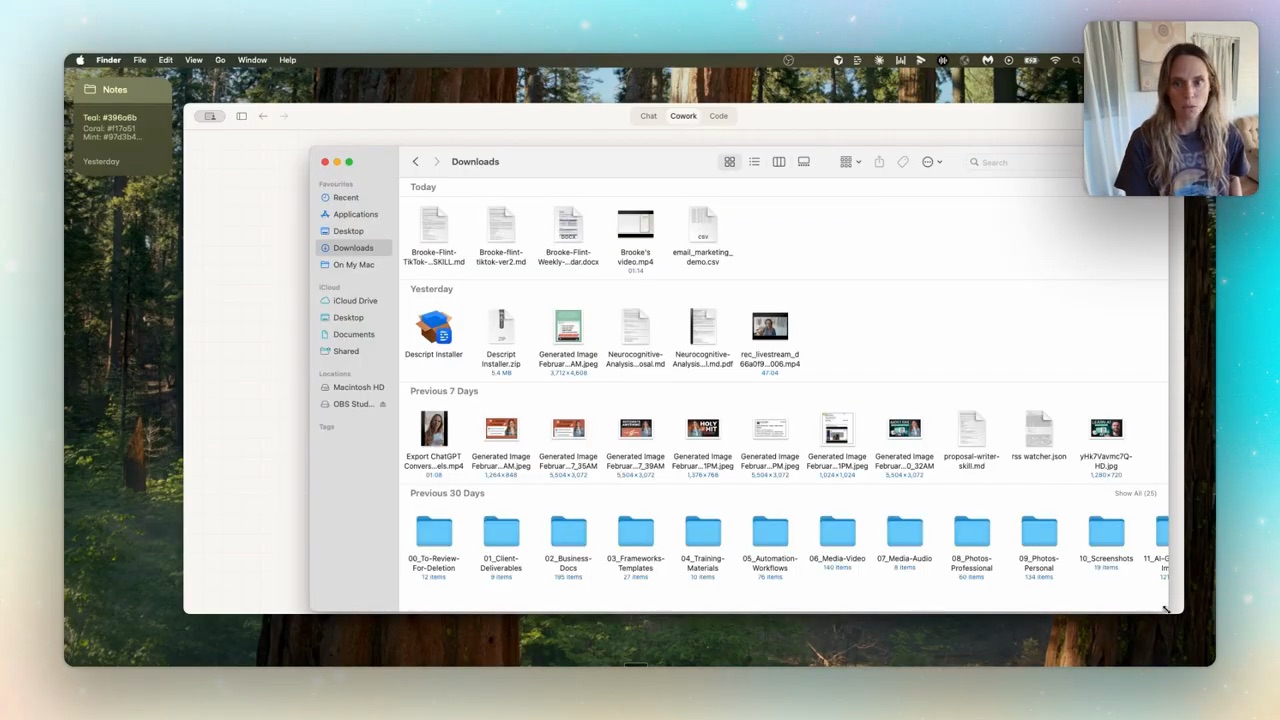
20 seconds later it's sorted. Naming conventions intact, everything filed.
But the real level-one win is client onboarding folder duplication. I have a template folder I use for every new consulting client — questionnaires, welcome docs, the works. When a new client signs on, I tell Cowork:
"I have a client onboarding template on my desktop. New client name is Bloom Mechanics, contact is Sarah Bloom. Duplicate the folder and update all the documents with her details."
Two minutes. Folder duplicated. All placeholders replaced. Every welcome doc personalised. That's a task a VA or I would have manually done every single time. Now Cowork does it while I'm doing something else.
Level one is simple file automations. Useful — but honestly, just warming up.
Level 2 — Connect Cowork to your business tools
Level two is where Cowork stops being a tool and starts feeling like an actual assistant.
This is where you wire up connectors — direct integrations with the apps you already use. Gmail, Google Calendar, Slack, Notion, Canva, dozens more. Hit the plus button in Cowork, go to connectors, sign in to each one. That's it.
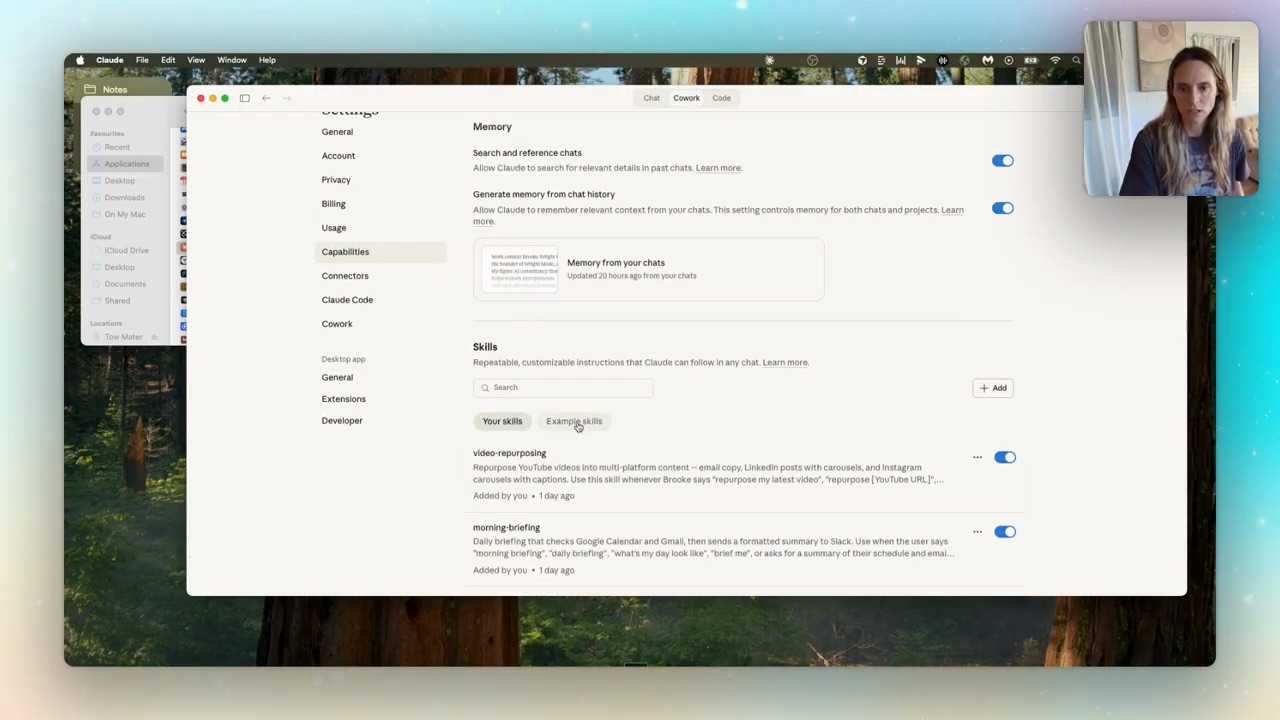
Once your tools are connected, Cowork can read and write across them. Real example I run every morning — a morning briefing skill:
"Hey Claude, run my morning briefing. Check my Gmail and calendar, send the summary to me in Slack."
Cowork pulls the inbox, reads the calendar, drafts a one-message Slack summary of my day, sends it. I get the message before I sit down. The same workflow took me a few hours to build in n8n last year. The Cowork version was a 10-minute skill.
That's level two: connected tools + skills that orchestrate across them.
Level 3 — Skill systems running full workflows
Level three is where it stops feeling like AI and starts feeling like having a team.
A skill system is multiple small skills wired together by an orchestrator skill that runs them in sequence. One prompt triggers a chain: research → write → design → schedule. You step in at checkpoints to approve, the chain carries on.
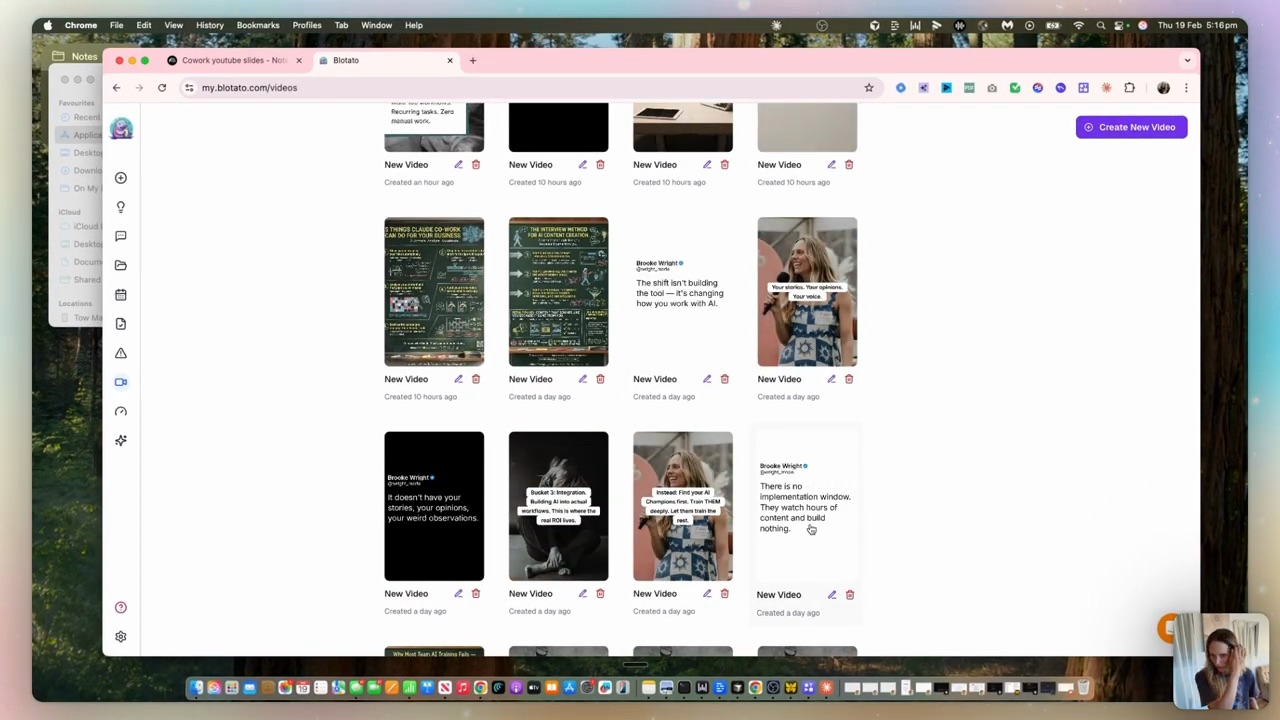
My weekly content production system runs at level three:
- Trigger: a new YouTube video uploaded
- Transcript skill: grabs the transcript
- Hook extractor: pulls the 5 strongest moments
- Content builder: writes TikTok scripts + Instagram carousels
- Schedule skill: pushes the lot to Blotato
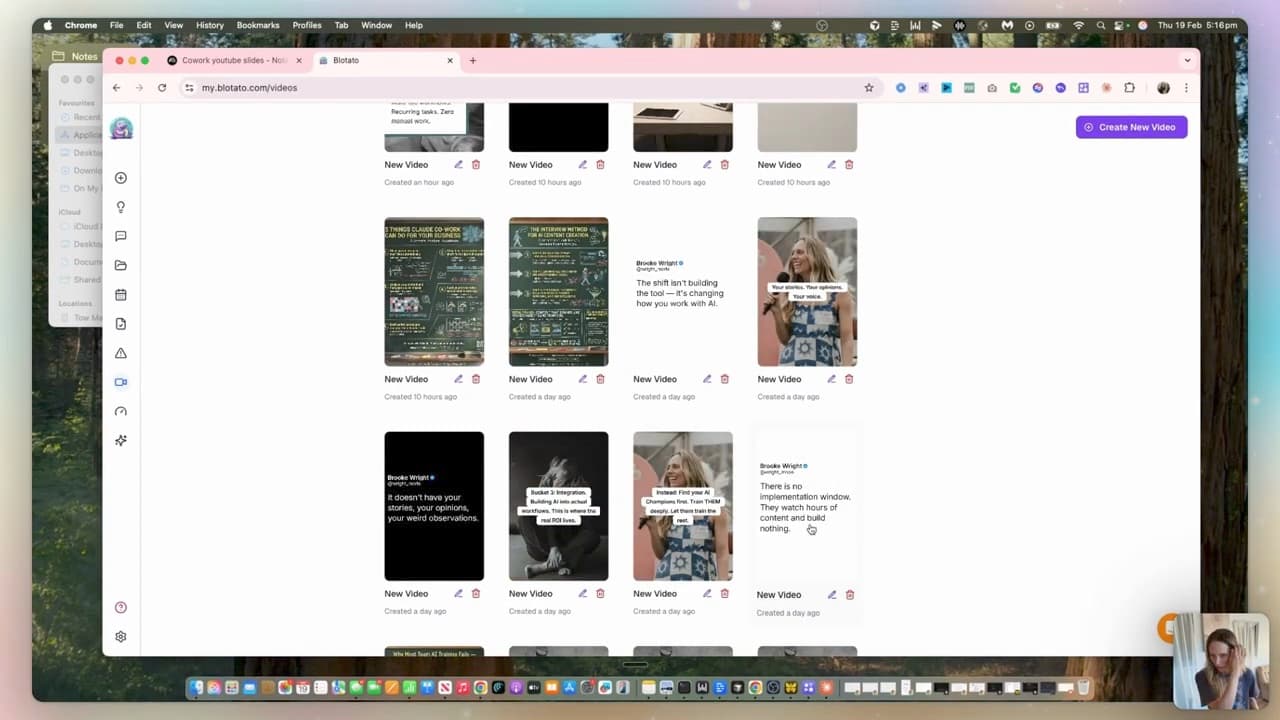
I write one YouTube video. By the end of the week, 5-8 pieces of content have been written, designed, and scheduled across every platform — with review checkpoints before anything is published.
The full how-to for building skill systems is its own post: Claude skill systems: how to wire skills together into real workflows. The TL;DR: small focused skills + one orchestrator + checkpoints where you approve. Same pattern as a real marketing team.
How to actually start
Don't try to build level three on day one. The path that works:
- Week one — connect 2-3 tools, do level-one file operations + a basic level-two connector workflow (the morning briefing is a perfect first build)
- Week two — build two or three small skills that each do one job (a Gmail-drafter skill, a Notion-update skill, an extract-key-points skill)
- Week three — wire two skills together with a small orchestrator. Start with a chain that's only 2-3 steps long
- Month two — extend to your first real production system
The mistake I see most people make: trying to build the giant content factory in week one, getting overwhelmed by the complexity, abandoning it. Start with cleaning up your downloads folder. Then morning briefing. Then build up.
(For the deeper context on what projects and skills actually are inside Claude, the Claude projects and skills walkthrough covers the basics. Worth reading first if you're newer to this.)
FAQ
What's the difference between Claude chat and Claude Cowork?
Claude chat is conversational — you ask, Claude answers. Claude Cowork can actually do things — access folders on your computer, control your browser, read and write to apps via connectors, run tasks in the background while you do something else. Chat is for thinking. Cowork is for executing.
Do I need Claude Code to use Claude Cowork?
No — they're separate surfaces. Claude Code is for building actual software (apps, websites, scripts). Claude Cowork is for running workflows across the tools and files you already have. Most non-technical founders will use Cowork far more than Claude Code.
What can I actually automate with Claude Cowork?
Anything that follows a repeatable pattern. Examples I personally run: morning Slack briefing pulled from Gmail + Calendar, new-client folder duplication with details swapped in, weekly content production (transcript → carousels → scheduled posts), inbox triage and labelling, meeting prep briefs from Calendly bookings.
Is Claude Cowork safe to give access to my files?
Approval depends on the mode and tool settings. Cowork has Manual, Auto and Skip modes; it does not always ask before every action. Review those settings in the official guide above. Start with a copy of a small folder and check the changed files before expanding access.
Do I need to know how to code to use Claude Cowork?
No. The whole point of Cowork is non-technical founders can describe workflows in plain English. You'll need to learn how to think about building skills (which is more like writing process docs than writing code), but no actual coding required.
If you want help wiring Cowork up into the real systems that run your business — your morning briefing, your content factory, your client onboarding — that's what we do inside Wright Mode. Monthly Build-with-Brooke sessions where we ship Cowork skills together, plus the templates I use in my own business. For one-on-one strategy on where AI fits in your business, book a Wright STACK Consult.