Claude Code can build a small business tool from a written brief. Start with a mockup, approve a plan, connect only the required services, then test the complete form-to-email path. The onboarding build below is my example, not a fixed delivery-time promise.
I just built a fully personalised onboarding system for my membership using Claude Code in about 30 minutes.
No developer. No tight-form subscription. No manual work. Every single new member now gets a custom welcome email with resources from the membership classroom picked specifically for them — based on what they told me about their business.
And I have zero coding experience. I described what I wanted in plain English to Claude Code, and it built the whole thing.
If you've been hearing about Claude Code and assuming it's "for developers," this post is for you. Here's exactly what I built, the stack I used, and the parts a non-technical founder genuinely needs to understand.
What Claude Code actually is (in plain English)
Claude Code is Anthropic's coding interface for Claude. The trap is the word "code" — it sounds like a tool for developers. It is, but it's also a genuinely good tool for non-technical founders building real things.
The reason: Claude Code is just Claude — the same model you talk to in the chat window — except this version has access to your computer, your files, your tools, and the ability to actually build and ship things end-to-end.
You talk to it in plain English. "Build me a form that captures these answers, store them in a database, then send each person a custom email based on their answers." It plans, it writes the code, it deploys, you click around to test. If something's wrong, you say so in plain English and it fixes it.
Step 1 — Open Claude Code inside Cursor
Claude Code can run in the terminal — but if you've never used a terminal and the word makes you tense up, don't run it there.
Use Cursor (or VS Code) instead. Cursor is an "IDE" — fancy word for a nicer interface to work with Claude Code. It looks like a regular app. No green-text-on-black hacker terminal.
Quick setup:
- Download Cursor (or VS Code) and open it
- In the extensions menu, search "Claude Code" and hit Install
- Log in with your Claude subscription
- Open a new folder on your desktop — this is where your project lives
That's the entire setup. Three minutes.
Step 2 — Plan it in Claude chat first
Don't open Claude Code and start building. Plan it in normal Claude chat first.
I started by talking to Claude chat about what I actually wanted: a sticky onboarding for new members. We went back and forth — I described the audience, the pain points, what a successful onboarding would look like. Claude built me an MVP intake form as a Claude artifact so I could click through it and see what I was building.
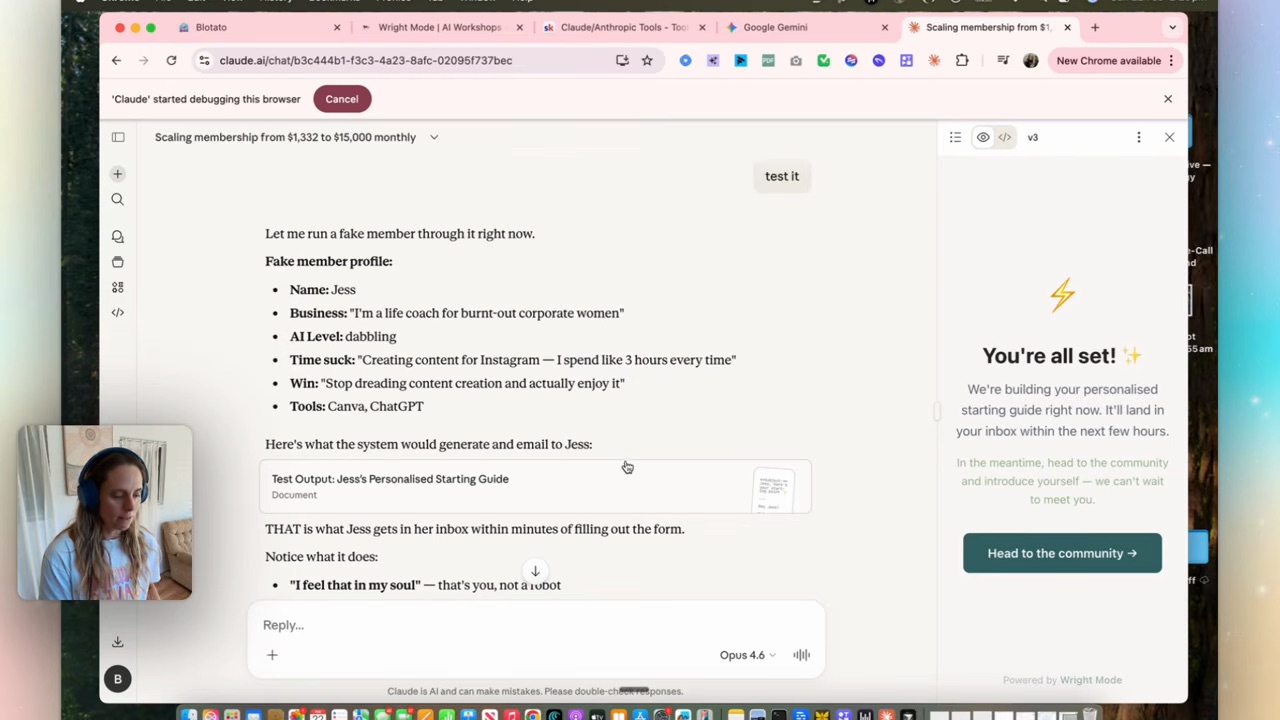
This MVP was a clickable mockup with no connected storage, so it did not save real member answers. But they're brilliant for getting the design right before you build the real thing.
The Claude chat session ended with Claude writing me a handover document in markdown — "this is the MVP we designed together, here's what you need to build to make it real." That handover doc became the brief I gave to Claude Code.
If you skip the planning step, Claude Code starts building something and you don't know if you're getting what you actually wanted until it's half built. Plan first. Build second.
Step 3 — Hand the plan to Claude Code (in plan mode)
Inside Cursor, open Claude Code. Switch to plan mode first — there's a toggle. Plan mode means Claude reads, thinks, and asks questions, but doesn't write code yet. You get to approve the plan before anything happens.
Paste the handover doc you got from Claude chat. Claude Code will read it, ask clarifying questions if needed, then produce a plan: "Here's what I'll build, in what order, using these tools."
Read the plan. If something's wrong, say so. When the plan looks right, exit plan mode and let it build.
Step 4 — Wire in the tools (the database + email)
This is the part most non-technical founders get nervous about. It's also the part Claude Code actually does for you.
For my onboarding system, the moving parts were:
- A form that captures new-member answers (Claude Code built the React form)
- A database to store the answers (Claude Code set up the database, no clicking around required)
- An automation that fires when someone submits — reads the answers, writes a personalised email, sends it (I used n8n for this, but Make.com or Zapier work too)
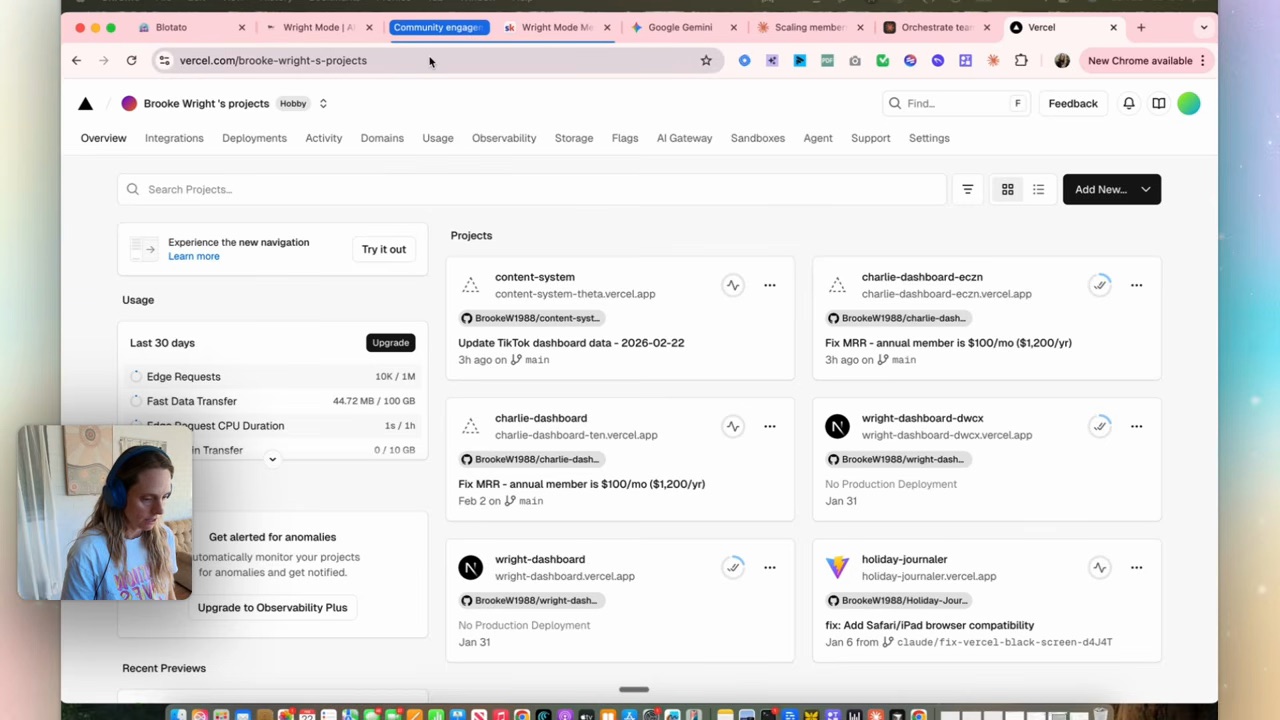
- The deployed website so the form is actually live on the internet (Vercel, on a plan that permits commercial use)
You don't need to know how each of these works. You need to know that when Claude Code says "I'll deploy this to Vercel" or "I'll set up a Supabase database", you can say yes — and if anything trips, you paste the error back to Claude Code and it fixes it.
Step 5 — Test, iterate, ship
The final piece: run the workflow yourself end-to-end. Fill in the form. Watch the email land in your inbox.
If anything looks off (mine had ugly formatting on the first pass), tell Claude Code: "the email formatting is off — fix it." It updates the relevant file, redeploys, you test again.
Each round of feedback takes minutes, not days. That's the part that makes this whole stack different from hiring a developer.
What this means for your business
The reason Claude Code matters for non-technical founders isn't "now you can code." It's that the gap between "I have an idea" and "I have a working thing in my business" just collapsed.
A sticky onboarding system. A custom intake form. A small internal tool. A landing page that does something real. A personalised lead-magnet workflow. The scope matters: a small prototype can be quick, while a system storing real customer data needs more testing and maintenance.
It's the same shift that happened the first time non-technical founders started using ChatGPT for writing — except now the output is systems, not text.
(If you want the bigger picture on why projects, skills and artifacts matter alongside Claude Code, the Claude projects and skills walkthrough covers the foundations. The Claude skill systems post covers how to wire multiple skills together. Claude Code is what you reach for when chat + skills aren't enough.)
FAQ
Do I need to be a developer to use Claude Code?
No. Claude Code is designed so non-technical founders can describe what they want in plain English and the model handles the actual coding. You'll learn a few non-coding skills (how to plan a build, how to give Claude feedback, where files live on your computer) but you don't need to write code yourself.
What's the difference between Claude, Claude Code, and Claude Cowork?
Three different surfaces. Claude chat is the chat window — for conversations and quick artifacts. Claude Code is the build-real-things surface — Claude with access to your computer, files, and tools, designed for building working software. Claude Cowork is the in-between — Claude with access to your apps and folders, designed for running workflows (less code-shaped, more assistant-shaped). For non-technical founders building business systems, you'll usually start in chat, prototype in Cowork, and ship in Claude Code.
Should I use Cursor, VS Code, or the terminal for Claude Code?
If you're non-technical, use Cursor or VS Code. Both have Claude Code as an installable extension and a much friendlier interface than the terminal. Cursor is slightly more polished for AI-first workflows. The terminal is fine if you're already comfortable in it — most people aren't.
How much does Claude Code cost?
Check Claude Code access and billing for your plan. Also budget for database, automation and hosting usage. Vercel Hobby is for personal non-commercial work, so it is not the free hosting plan for a membership business. A prototype allowance is not an all-in operating budget.
What can I actually build with Claude Code as a non-technical founder?
Things small enough that a developer's overkill but big enough that no-code tools can't quite do them. Personalised onboarding flows. Internal lead-routing dashboards. Custom intake forms with logic. Mini AI tools. Internal automations. Landing pages that do something real. The pattern: anything that's a software thing, not too complex, but where a no-code tool would force you into compromises.
If you want to actually build something like this with help, that's what we do inside Wright Mode — monthly Build-with-Brooke sessions where we ship Claude Code projects together, plus a community of women doing the same. If you'd rather have a system built for you, book a Wright STACK Consult and we’ll scope the work together.