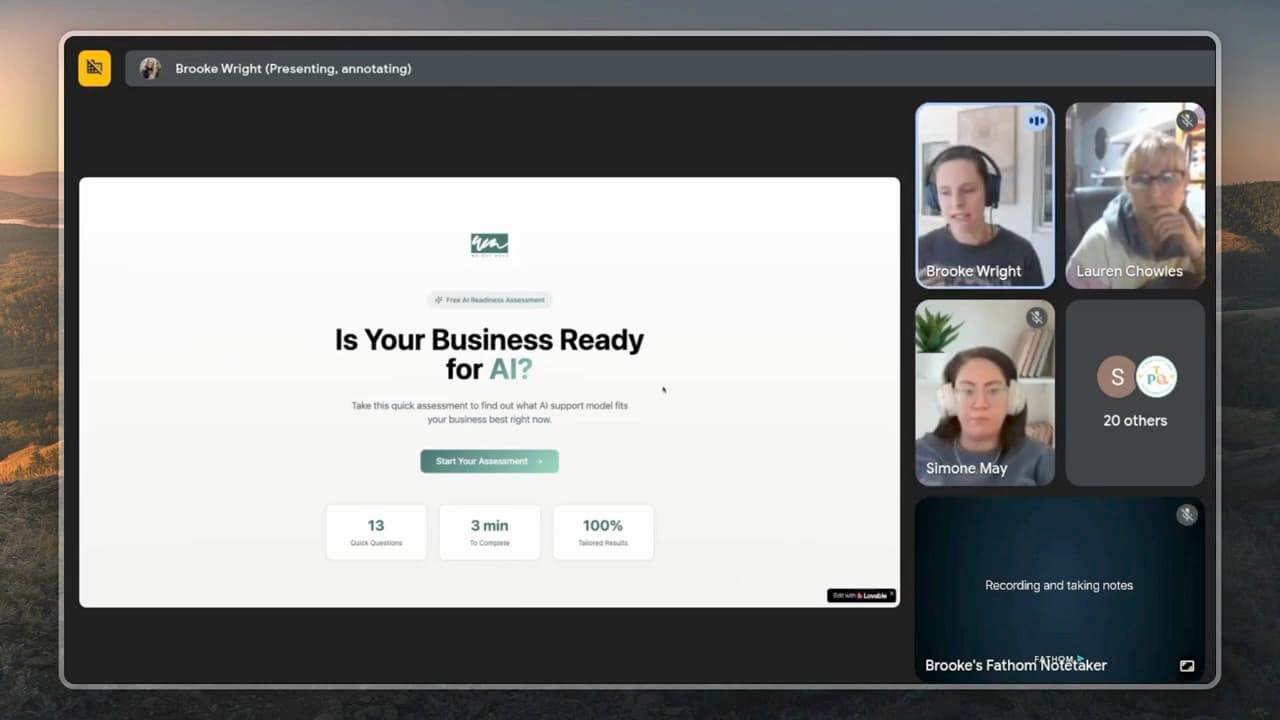
An interactive lead magnet collects answers and returns a useful result. Use a quiz when those answers change the advice; use a PDF when a simple reference solves the problem. This walkthrough combines a quiz with a downloadable report.
A resource earns its place by helping someone do something. The format alone does not tell you whether it converts.
My example asks about AI readiness, recommends a next step and captures the answers with the email address. That gives me context for follow-up; it does not establish higher conversion than a PDF.
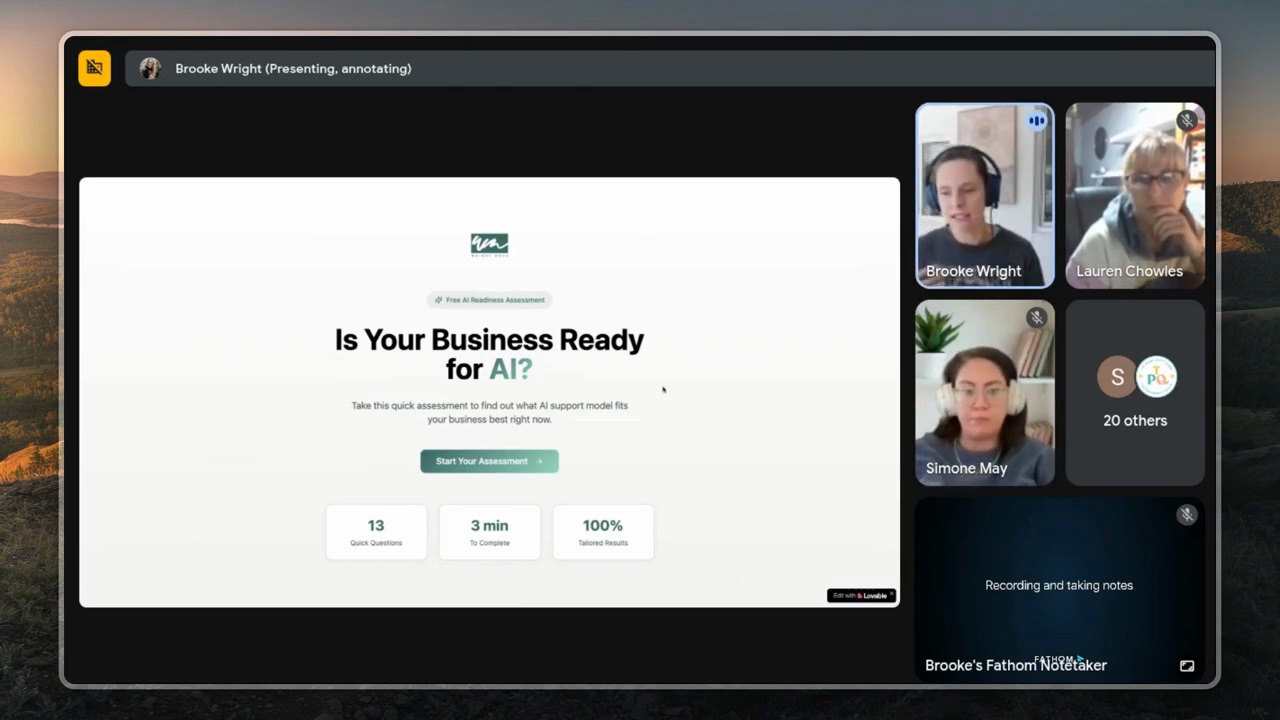
I built one live recently — an AI Readiness Assessment that asks eight questions, scores the answers, recommends one of my offers, and delivers a personalised PDF report. From zero to live in about 90 minutes. Here's the exact build.
What an AI lead magnet actually is
Strip out the buzzwords and an AI lead magnet is just a small, interactive web app that:
- Asks the visitor a small number of questions
- Sends those answers to an AI model that's been given clear instructions
- Returns a useful, personalised result on the page
- Captures their email along the way
The result has to be specific to them. A generic "here's our PDF" doesn't earn a subscribe. A result that says "based on your answers, you're at stage two of the setup and the next thing to fix is X" — that's worth an email address.
The tools — Lovable + Lovable Cloud + your email platform
You don't need a developer for this. The whole thing runs on three pieces:
- Lovable — the "build me an app" interface. You describe what you want, it builds the front end. Same conversational rhythm as ChatGPT.
- Lovable Cloud (powered by Supabase) — the back end that stores quiz answers and captures emails. Check the separate hosting and AI usage allowances.
- Your email platform — wherever your list already lives. Whatever you use, you need it to have an API.
Check Lovable’s billing and usage guide. Build credits and deployed Cloud/AI usage are separate, and your email platform may have its own fees. Measure a small test before estimating a month.
The build, end to end
Here's the actual sequence. Don't skip steps — each one is doing something specific.
1. Decide what result you'll give
Before you touch Lovable, work out the result. Three or four "buckets" your audience could land in, and what the next step is for each one. For my AI Readiness Assessment the buckets are: needs strategy first / ready to build / ready to scale. Each bucket maps to a different one of my offers.
If you can't write down the four possible results in plain English, you're not ready to build yet. Go back and figure that out first. The AI part is easy. Knowing what you're sending people to is the work.
2. Plan the questions
Six to eight questions, max. Each one should narrow the audience. Don't ask things you can ask later by email — ask only what's needed to put them in the right bucket.
Use a custom GPT to help you here. Brief it: "My audience is X. The four possible results are A/B/C/D. Help me write six questions that will sort someone into one of those four." It'll come back with a draft you can refine in 10 minutes.
3. Build the front end in Lovable
Open Lovable, write the prompt. Concrete and specific:
"Create an interactive quiz using Lovable Cloud. Eight questions about [topic]. At the end, score the answers and show one of four results: [A], [B], [C], [D]. Each result should include three personalised tips and a CTA to my [offer]."
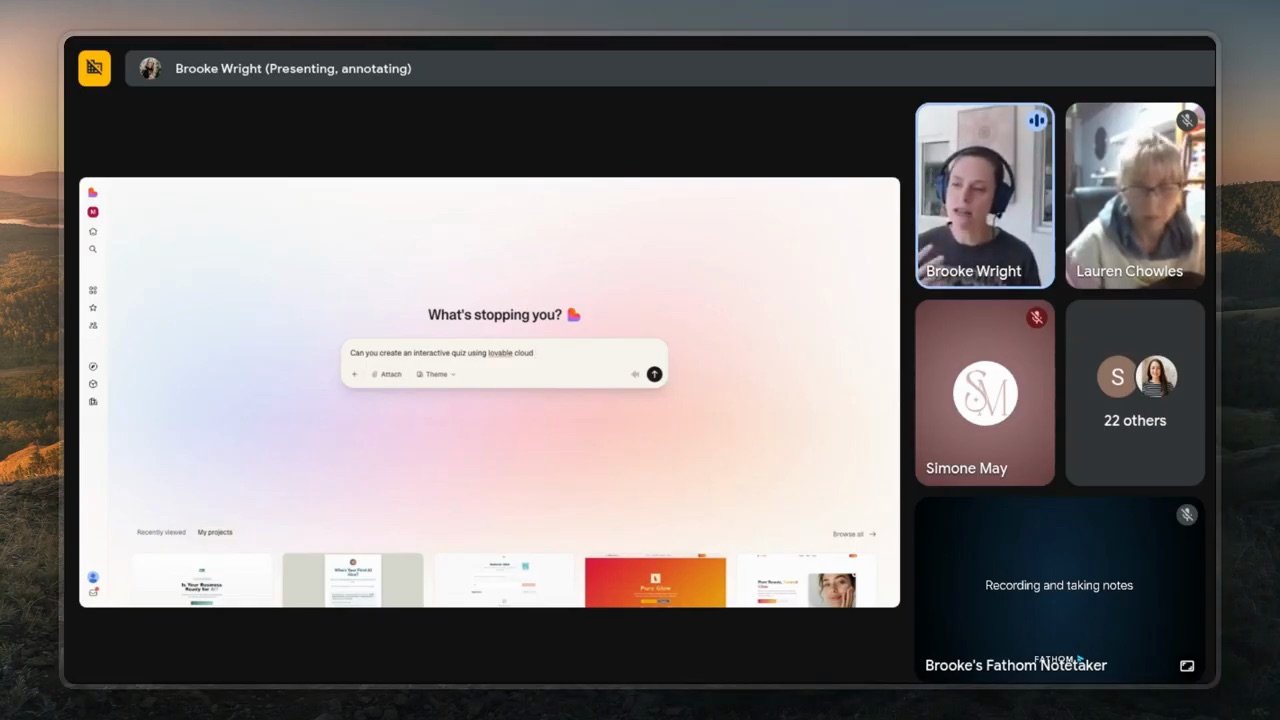
Lovable will think for a minute, build the front end, and ask you to enable Lovable Cloud (the back end). Click enable. Now you've got the database to store answers and capture emails.
Tip: at this point also tell Lovable your brand colours, fonts and tone. Anything you build from here on uses them by default. "My brand is paper white background, ink text, terracotta accents. Use Caveat for headlines, PT Serif for body." Save you a lot of "make this on-brand" iteration later.
4. Wire in the AI for the result
A simple test rule could be: if the reader has not chosen a repeatable task, show “pick one task first”; if they have a task but no tested workflow, show “build and test one workflow”. These are illustrative rules, not an assessment score. Check every result path with known answers before adding generated text.
The result needs to feel personalised — generic "you scored 7/10!" is the new "thanks for downloading."
Two ways to do it:
- Rules-based scoring — assign points to each answer, sum them, threshold into a bucket. Simpler, faster, fully predictable.
- AI-generated result — send all the answers to a model with a system prompt that returns the bucket + a paragraph of personalised reasoning. More dynamic, slightly slower, sometimes brilliant, sometimes uneven.
Start with rules-based. Add AI generation later if you want richer copy in the result.
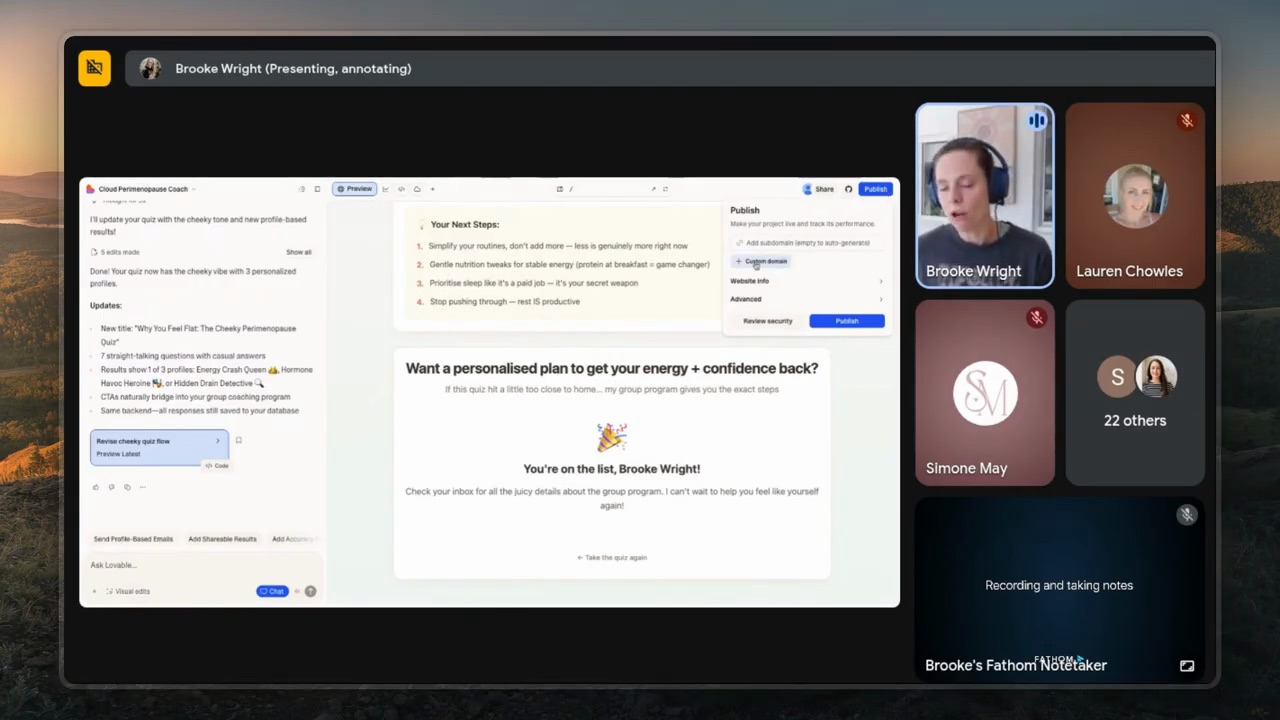
5. Capture the email + send it where it needs to go
Two parts: the email gets stored in Lovable Cloud (so you have it even if step 6 fails), AND it gets pushed to your email platform via API so the person enters the right nurture sequence.
The email-platform-to-Lovable connection is the part that trips most people up. The fix is in your platform's API documentation:
- Pull up the API docs for your email tool
- Paste them into Lovable's chat
- Say "Use this API to push a new subscriber to my list with these tags based on the result they got."
- Lovable wires it up.
This is the moment AI tools earn their keep. Five years ago this was a developer task. Now it's a paragraph.
6. Test, ship, iterate
For each result path, verify the on-page answer, stored response, correct subscriber tag and delivered report. Test a repeated submission and a failed email handoff too. Keep API secrets on the server and make the subscription choice clear on the form.
Run the quiz yourself end-to-end. Get a friend to do the same. Watch where they hesitate. Edit the questions.
Once it's live, track which result bucket is most common. That's the one you're actually selling to — and the one your nurture sequence should be sharpest for. If 80% of people land in the "needs strategy first" bucket, your nurture sequence should drip a strategy series. Not the same generic emails everyone else gets.
The compounding effect
Here's the bit no one talks about. An AI lead magnet doesn't just capture emails — it sorts them.
Every PDF download gives you the same data: "this person wanted a PDF." Every quiz finish gives you: "this person is at stage X, has tried Y, struggles with Z, wants to move to W." That data is gold. It feeds your nurture sequence, your sales calls, your next product decision.
The lead magnet pays you twice. Once when they subscribe. Again every time you can speak to them like you actually know who they are — because you do.
FAQ
What's the best AI tool to build a lead magnet?
For non-technical founders, Lovable is the simplest. It's a conversational app builder — describe what you want, it builds it. Combined with Lovable Cloud (its built-in Supabase backend), you can ship a working interactive lead magnet in 60-90 minutes without writing code. Alternatives like Bolt.new and v0 work the same way.
Do I need to know how to code to build an AI lead magnet?
No. The whole point of tools like Lovable is that you describe what you want in plain English. You'll need to think clearly about your buckets, your questions, and the result you're giving — that's the actual work. The technical wiring is one paragraph of prompt away.
How long does it take to build an AI lead magnet?
A focused first build runs about 90 minutes if you've already decided your buckets and questions. Add another 2-3 hours if you're refining the design, connecting your email platform's API, and writing the personalised result copy. Fully shipped including testing — half a day.
Can I connect an AI lead magnet to my email list?
Yes. Most email platforms (Flodesk, Kit/ConvertKit, ActiveCampaign, Mailchimp, Beehiiv) have an API for adding subscribers programmatically. You feed the API docs into Lovable, tell it which tags to apply for each result bucket, and it wires the integration. The new subscriber lands in the right segment automatically.
What makes an AI lead magnet better than a PDF?
A quiz can collect information needed to tailor the result and follow-up. A PDF is simpler to maintain and can be the better choice for a checklist or reference. Compare completed opt-ins and later useful actions with your own audience; this demonstration does not prove one format converts better.
If you want to actually build one of these properly — the buckets, the questions, the wiring, and the nurture sequence behind it — that's the kind of thing we build inside Wright Mode. Monthly Build-with-Brooke sessions where we actually ship, plus the templates I use in my own business. If you'd rather have it built for you, book a Wright STACK Consult and we’ll scope the build together.