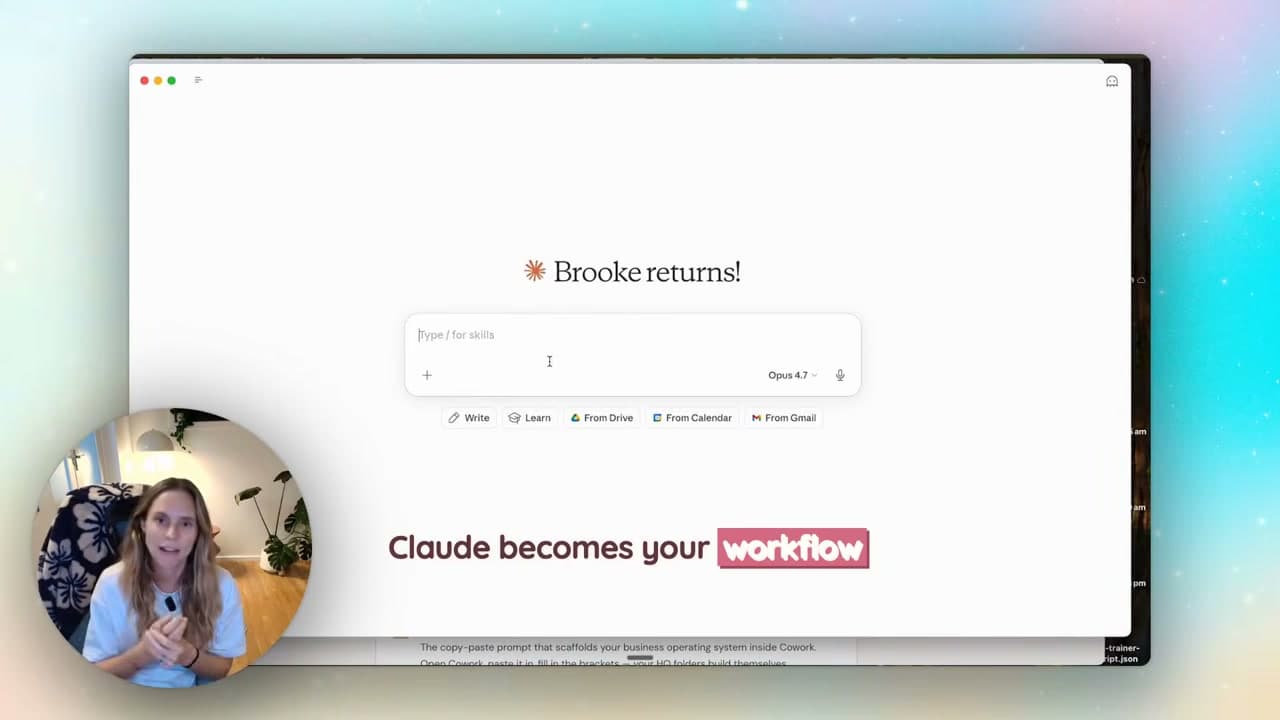
I use both. Claude is my preference for the client workflows shown here; ChatGPT is useful when I want image creation or already have a working setup there.
Choose by the work you need done. Give each tool the same real brief and check the result before paying for another subscription. This is my experience of using them in a business, with examples you can try.
Where I use Claude for business
| Your task | My starting choice | What to compare |
|---|---|---|
| Client proposals using my saved workflows | Claude | Source accuracy, voice and corrections needed |
| Continue a working custom GPT or project | ChatGPT | Whether changing tools would improve the result |
| Create images in the conversation | ChatGPT | Image quality and editing control for the brief |
| Organise files and instructions for a client | Either | Permissions, retrieval and the plan you need |
These are my workflow preferences, not a benchmark ranking. The video above demonstrates Claude only; it is not a head-to-head test. For current capabilities, see ChatGPT Projects and Claude Skills.
1. Working with reference material
I use Claude with strategy documents and meeting transcripts so I can work from the original material. The amount a tool can handle depends on the model, plan and feature you use. A larger context window does not guarantee that it will find every detail.
Upload the relevant files, ask it to point to the passages behind its answer, and check those passages. That is more useful than choosing a tool from a single context-window number.
2. Keeping client work in projects
I use a Claude project for each client or area of my business, with instructions and reference files ready for the next task.
ChatGPT also has projects, including files, instructions and project memory. This is a feature you can use in either tool. My preference for Claude comes from the workflows I have built there, rather than a feature ChatGPT is missing.
3. Artifacts (this is the one that sold me)
Claude doesn't just give you text. It builds things for you.
Content calendars. Launch plans. SOPs. Full documents you can download and use straight away. Interactive HTML dashboards you can publish and send to a client as a link.
I built a content plan for a pretend client recently, hit publish on the artifact, and had a shareable link in under two minutes. That timing describes this demonstration after the brief was ready, not a typical delivery time.
Bonus: skills
Claude Skills package instructions and resources for repeatable tasks. They can guide work with connected tools, provided you have enabled those tools and given the necessary access. Anthropic’s skills guide explains how they load when relevant.
Imagine having projects for every single client or every product launch or every area of your business. That's what this does.
I have a skill that takes a discovery-call transcript, pulls it from my Google Drive, writes the proposal in my voice, saves it as a Notion page, and drafts the email to the client. I trigger it with a sentence. It takes a few minutes instead of a few hours.
When ChatGPT is still the right call
Look, I'd be lying if I said ChatGPT was dead to me. It isn't.
- Quick, throwaway questions. "What's the standard fee structure for a copywriter in Australia?" — either tool, doesn't matter.
- You already have your custom GPTs set up there and they're working. Don't burn the bridges that are already crossing the river.
- You want the image generation in one place. ChatGPT's image gen is right there in the chat. Claude doesn't do that the same way.
You can build an ongoing workflow in either tool. If your existing ChatGPT setup already does the job well, keep using it.
Set it up for work you do regularly
This is the part most people miss, and it's not really about Claude OR ChatGPT.
The biggest mistake beginners make — and I see this constantly — is treating AI like Google. You ask one question, get an answer, you start the next task without bringing the relevant context back in. Then next week you do it again. From scratch.
Think of Claude like your team member, not a search engine. The more context you give it, the better it works. Set up your profile and custom instructions properly (who you are, what you do, how you want it to respond). Turn on memory across chats. Connect your tools.
That's when it stops being a clever toy and starts being infrastructure.
If you want the full setup walkthrough — settings, memory, projects, artifacts, skills — I've got a Claude beginner masterclass that runs through every single setting and what it actually does. It's the one most people skip and then wonder why their AI feels generic.
How projects tie it all together
Projects is the feature that ties the whole stack together. Here's a real example.
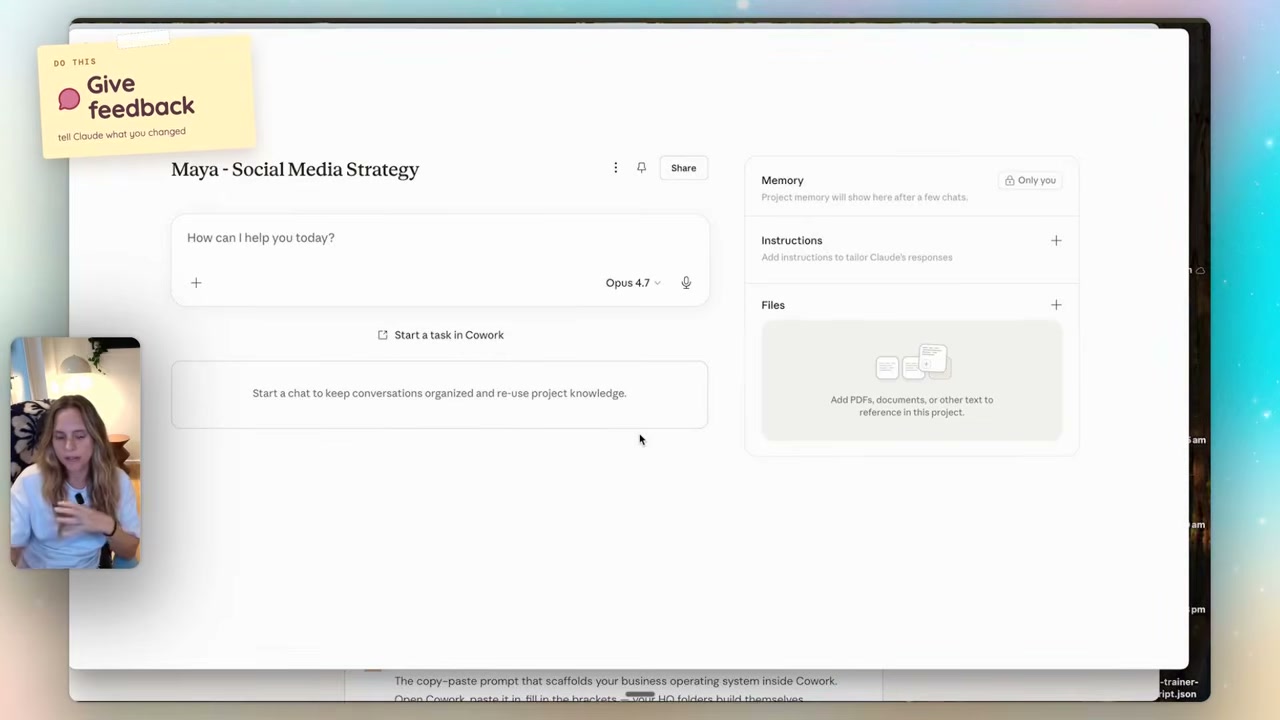
I set up a project for a (pretend) client called Maya. Project name + custom instructions explaining what we're doing together. I attached the call transcript, her brand kit from Canva, the content plan we built. Then I called my "social strategy content plan" skill into the project.
Those saved instructions and files give Claude the context for Maya’s work when I open the project. I keep decisions in the reference material rather than assuming it will remember every detail from a previous chat.
Want help setting this up for your own business? Inside Wright Mode, we build systems together, with monthly Build w/ Brooke sessions, templates and fortnightly co-working and Q&A. Explore Wright Mode and current plans.
FAQ
Is Claude better than ChatGPT?
It depends on your task and existing setup. I prefer Claude for the client workflows in this article. ChatGPT also supports ongoing project work, and I use it for image creation. Compare their output on a real task instead of assuming one wins everything.
Do I need to pay for Claude or is free enough?
Start with Free and try one workflow. Projects and Skills are available on Free; Skills need code execution enabled. Consider a paid plan when you reach a usage limit or need a specific paid feature.
Can Claude connect to my Gmail, Notion and Google Drive?
Claude supports connectors for external tools. What each connector can read or change varies, so check its permissions and available actions when connecting it. A skill alone does not give Claude access to your account.
What's the difference between Projects, Artifacts and Skills in Claude?
Projects organise instructions, reference files and related chats. Artifacts are outputs you can work with alongside the conversation, such as interactive dashboards. Skills hold reusable instructions and resources for tasks. They improve consistency, but you still need to check the output.
Where should a beginner start with Claude?
Get the desktop app, set up your profile and custom instructions properly, turn on memory across chats, then create one project for one area of your business. That's enough for week one. Don't try to wire everything up at once.